
Introduction
HDMI Matrix is the next generation HDMI Matrix, support HDMI 1.4 a standard, the resolution can reach 1080@120hz HDMI Matrix.
This series includes 3 modes, 4X4, 8X8, 16X16 HDMI fixed matrix, support audio and video synchronous switching, suitable for meeting room, command center, Multimedia room and other applications.
Features
- Full hardware architecture without CPU and operating system;
- All Board Card Modular design, support hot plug, stable and reliable system;
- Using 6.5 Ghz high bandwidth chip;
- HDCP decryption, Blu Ray, 3d;
- Support Signal time sequence rearrangement, CEC, 36 bit true color technology;
- HDMI 1.4 a version support: 1080P@120hz, 1080P 3d@60Hz and below resolution;
- Support key press, infrared remote control, RS232 serial port control mode;
- Support Edid adaptive function, better adapt to the scene of a variety of display equipment, improve compatibility;
- Long-line driving ability: Input with automatic equalization, effectively reduce the deterministic jitter caused by the transmission line;
- Output with pre-weighted function, so that long transmission receiver can still receive signals, using high-quality HDMI version 2.0 cable, input and output distance up to 25 meters;
- The input support receives the delay, effectively should carry on the time compensation when the difference alignment is unequal;
- Power-off memory field protection function.
- HDMI video matrix using external power supply, aviation-style spiral power interface for the stability of the power escort; Support HDMI 1.4b version
System Connection
1. Points to note
a. The installation and use of the system should pay attention to keep clean and proper temperature and humidity, and good ventilation, do not block the holes;
b. All power switches, plugs, sockets, and power cords in the system must be insulated safely, connect the peripherals and finally electrify the system.
Connection Diagram

Connection Steps
1.Connect the DVD and other HDMI signal source to the HDMI input port in the INPUTS area with HDMI cable
2.CONNECT HDTV and other display devices to HDMI output ports in OUTPUTS area with HDMI cable;
3.The control equipment (E. G. PC) is connected with the RS232 IN PORT BY RS232 serial port line
4.Connect the power adapter to the power interface.
Application scene

Shopping mall

Monitor center

Command & Dispatch center
Related Products

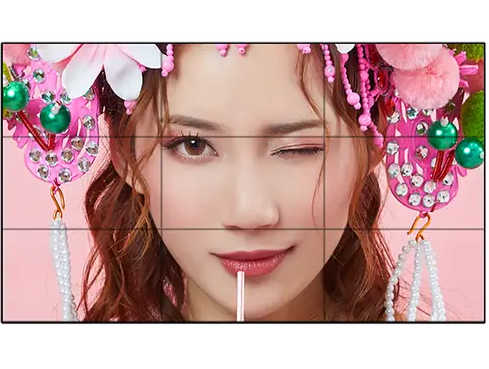
VD-46UH06
46-inch Monitor Center Video Wall
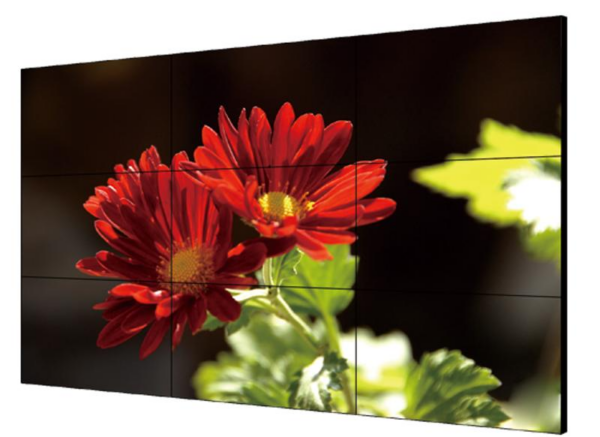
VD-49UH04
49-inch Command Center Video Wall
VD-55UH05
55-inch Showroom LCD Display
Send us a message!
Follow on Social