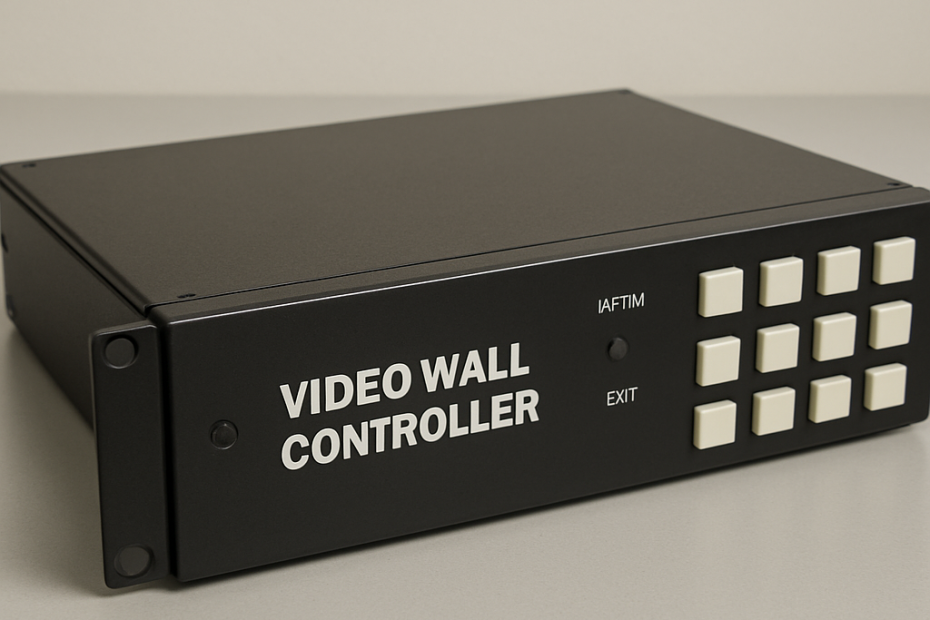
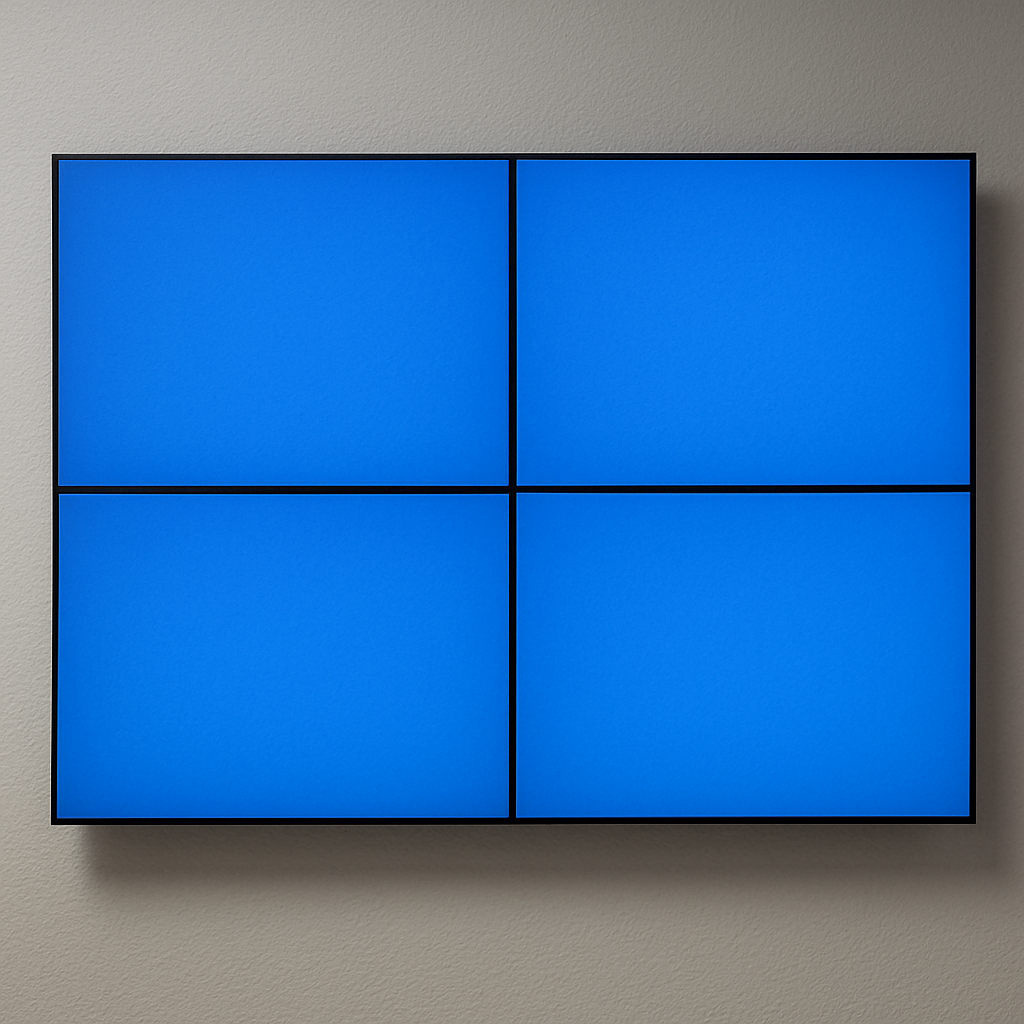
Creating an impressive visual display with a 2×2 video wall setup can transform any space, whether it’s a corporate office, retail store, or a public venue. However, to ensure your video wall operates smoothly and delivers high-quality images, selecting the right video wall controller is crucial. This guide will help you understand what to consider when choosing a video wall controller for your 2×2 display setup.

A video wall controller is a device that manages the input and output of video signals to your displays. It ensures that the images are properly aligned and displayed across all screens. In a 2×2 video wall setup, this means dividing the video signal into four parts and sending each part to one of the four screens.
Why is a Video Wall Controller Important?
Without a video wall controller, your 2×2 video wall might not display images correctly. You might experience issues like misaligned images, poor resolution, or inconsistent video playback. A good controller enhances the quality of your display, ensuring seamless integration and clear, crisp visuals.
Factors to Consider When Choosing a Video Wall Controller
Compatibility with Displays
First and foremost, ensure that the video wall controller is compatible with your specific displays. Check the resolution and input/output compatibility. Many controllers support multiple resolutions, but it’s essential to verify that your controller can handle the highest resolution your screens can display.
Input and Output Requirements
Consider the number of inputs and outputs your system requires. A standard 2×2 video wall will need at least one input and four outputs. However, if you plan to connect multiple sources or future-proof your setup, look for a controller with more input options.
Ease of Use
A user-friendly interface is crucial, especially if you’ll be changing the content frequently. Look for controllers that offer simple setup processes and intuitive controls. Some controllers come with software that allows you to manage your video wall from a computer or mobile device, making it easier to switch inputs or adjust settings.
Scalability
Even if you’re starting with a 2×2 setup, consider a controller that offers scalability in case you decide to expand your video wall in the future. A scalable controller will save you time and money by allowing you to add more displays without needing to purchase a new controller.
Budget
Video wall controllers come in a range of prices, so it’s important to set a budget that aligns with your needs. While it’s tempting to opt for the cheapest option, remember that quality and features are vital for the best performance. Investing in a good controller can enhance the longevity and effectiveness of your video wall.
Types of Video Wall Controllers
Hardware-Based Controllers
Hardware-based controllers are physical devices that connect directly to your video wall. They are reliable and often offer better performance for high-resolution displays. These controllers are an excellent choice for permanent installations where stability and consistency are key.
Software-Based Controllers
Software-based controllers are applications that run on your computer or server. They offer flexibility and are often more cost-effective than hardware-based options. These controllers are suitable for dynamic environments where content needs to change frequently.
Hybrid Controllers
Hybrid controllers combine both hardware and software elements, offering a balance between performance and flexibility. They are ideal for users who need the stability of hardware with the versatility of software solutions.
Installation and Setup

Once you’ve selected the right video wall controller, proper installation and setup are essential. Here’s a brief overview of what to expect:
Mounting the Displays
Before connecting the controller, ensure that your displays are securely mounted. A video wall mount 2×2 setup will help you achieve a seamless look. Make sure the mounts are level and that there’s no gap between the displays.
Connecting the Controller
Connect the controller to your video sources and displays. Follow the manufacturer’s instructions to ensure correct input and output connections. Power on the system and check that each display is receiving the correct video signal.
Calibration
Calibrate the displays to ensure uniform brightness and color across the video wall. Most video wall controllers offer calibration tools to help you achieve this. Proper calibration ensures that your content looks consistent and professional.
Maintaining Your Video Wall
To keep your 2×2 video wall running smoothly, regular maintenance is key. Here are a few tips:
- Regular Cleaning: Dust and fingerprints can affect display quality. Clean the screens regularly with a soft, dry cloth.
- Software Updates: Keep the controller’s software up to date to benefit from the latest features and improvements.
- Check Connections: Periodically inspect all cables and connections to ensure they’re secure and functioning correctly.
Conclusion
Choosing the right video wall controller for your 2×2 display setup is a critical step in creating a visually stunning and effective video wall. By considering factors such as compatibility, ease of use, and scalability, you can select a controller that meets your needs and fits your budget. With the right tools and setup, your video wall will be a powerful tool for communication and engagement in any environment.
ScreenSculpt is a professional commercial display solutions manufacturer based in Shenzhen, founded and led by a technically experienced team. We maintain strong partnerships with leading panel manufacturers such as Samsung, LG, BOE, HKC, Innolux, and CSOT, ensuring access to premium display resources for our digital signage solutions, contact us now!