
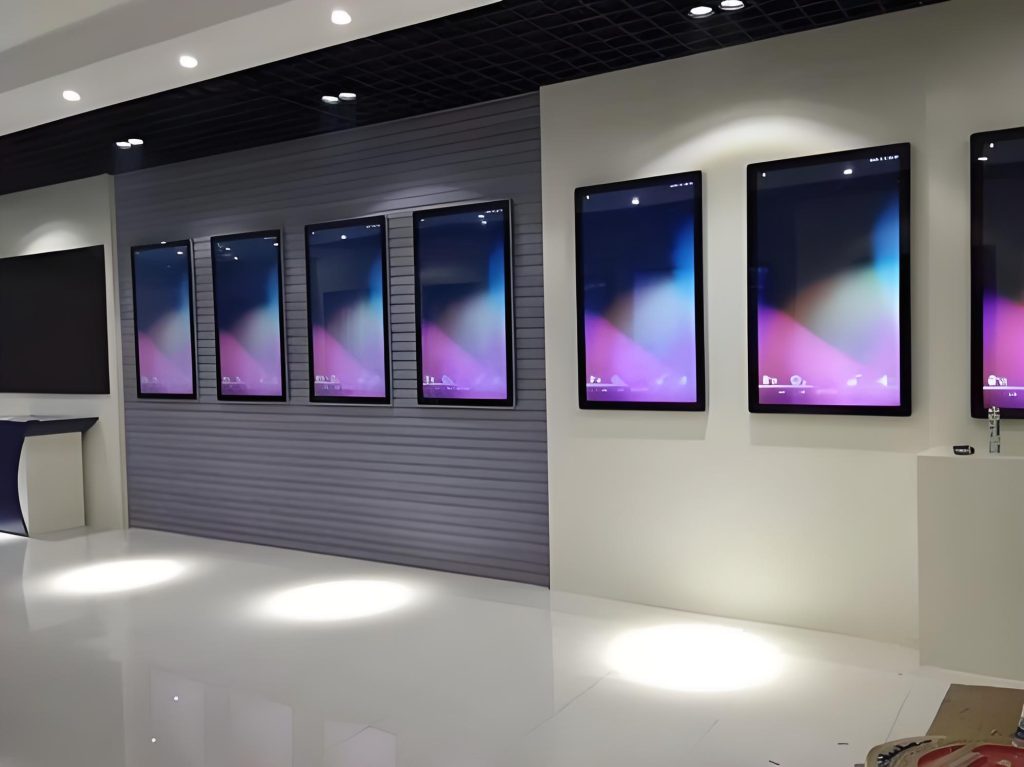
Wall-mounted advertising machines, also known as digital billboards, serve as powerful tools for displaying advertisements and information. This article provides a comprehensive guide to help you install, configure, and utilize these advanced devices effectively, maximizing their functionality and benefits.
1. Installation Preparation
A. Required Tools and Materials
Before beginning the installation, ensure you have the necessary tools and materials, including screwdrivers, screws, wall anchors, power cords, and data cables.
B. Selection of Installation Location
Choosing the right location is crucial. Consider visibility, lighting conditions, and the overall layout of the space to ensure optimal audience engagement.
C. Wall Preparation
Make sure the wall is dry, flat, and capable of supporting the weight of the advertising machine before installation.
2. Installation Steps
A. Install the Bracket
Securely mount the bracket to the wall using screws and a screwdriver, ensuring it is level to adequately support the advertising Screens.
B. Connect Power and Data Cables
Connect the power and data cables to the advertising digital kiosk, ensuring all connections are tight and secure.
C. Fix the Advertising Machine
Carefully install the Wall-mounted digital billboards onto the bracket, ensuring it is firmly in place to prevent any movement.
D. Adjust the Angle and Position
Fine-tune the angle and position of the advertising digital signage to provide the best viewing experience.
3. Power and Network Connection
A. Power Options
Select the appropriate power option based on your needs, whether it’s battery-operated or plug-in.
B. Wi-Fi Connection
Configure the advertising Billboard to connect to a Wi-Fi network for seamless online content updates.
C. Wired Network Connection
For a more stable connection, opt for a wired network to ensure reliable data transmission.
4. Hardware and Software Settings
A. Screen Brightness and Resolution Adjustment
Adjust the screen brightness and resolution according to ambient light and content requirements for optimal visual effect.
B. Install Necessary Applications
Install required applications to manage advertising content and set playback options effectively.
C. Test the Advertising Machine Function
Conduct a functionality test to ensure all features are operating correctly before formal use.
5. Content Management
A. Upload Ad Content
Utilize ad management software to upload and format advertising content correctly. Regularly update content to maintain viewer interest.
B. Scheduled Scheduling
Create a broadcasting schedule to ensure content is displayed at optimal times for maximum audience engagement.
C. Remote Management Options
Leverage remote management capabilities to update content at any time without being on-site.
6. Security and Maintenance
A. Anti-Theft Measures
Address security concerns by installing cameras or locking the machine to deter theft and vandalism.
B. Screen Cleaning and Maintenance
Regularly clean the screen to maintain clarity and perform routine maintenance to ensure smooth operation.
C. Software Updates
Keep the software updated to enhance security and improve performance.
7. Troubleshooting
A. Common Problems and Solutions
Familiarize yourself with potential issues and prepare solutions for common failures, such as blurry images or connectivity problems.
B. Seek Professional Help
For complex issues, don’t hesitate to consult professionals to ensure the equipment operates effectively over the long term.
8. Best Practices and Tips
A. Optimal Placement
Choose the best location to maximize visibility and attract audience attention.
B. Create Attractive Advertising Content
Invest time in crafting engaging advertising content to draw in more viewers.
C. Data Analysis and Performance Optimization
Use data analysis tools to monitor advertising performance, allowing you to optimize strategies and improve ROI.
Conclusion
Proper installation and effective use of wall-mounted advertising machines are vital for maximizing their benefits. These devices offer powerful promotional tools that can significantly enhance audience engagement. As technology continues to evolve, ongoing improvement and innovation in installation and usage methods will help meet the changing needs of the market.