You’ve likely experienced the coffee shop struggle: squinting at fourteen open tabs on a cramped laptop screen while wishing for your office’s dual-monitor setup. This common frustration is exactly what portable LED screens address. Unlike the complex heavy equipment involved when comparing a commercial LED display vs outdoor projector for events, these personal screens are slim, lightweight companions that slide effortlessly into a bag. They transform a confined 13-inch view into a sprawling workspace without adding bulk.
Expanding your screen real estate offers tangible benefits, with research indicating that dual-monitor setups can increase productivity by up to 40%. The technology making this possible is often called the “One Cable Rule.” Thanks to modern USB-C standards, a single cord now carries both power and video, eliminating the need to hunt for extra wall outlets. It’s a simple, plug-and-play solution that turns any table into a professional workstation.
Ditch the Darkroom: Why LED Screens Win Against Outdoor Projectors
Taking your entertainment or work outside usually hits a wall of washed-out colors if you rely on a standard portable projector. Unless you wait for absolute darkness, ambient light kills the image, making it nearly impossible to distinguish shadows from highlights. Portable LED screens fundamentally change this equation because they emit their own powerful light source rather than reflecting it off a separate surface, allowing you to see your spreadsheet or movie while the sun is still up.
To know if a screen can truly handle the backyard or a bright cafe, look for a specific number in the specs: Nits. Think of one Nit as roughly the brightness of a single candle. A standard laptop might offer 250 Nits, which looks great indoors but vanishes in the park. For comfortable outdoor viewing, you generally want a display capable of hitting 400 to 500 Nits, ensuring the image remains punchy enough to compete with daylight.
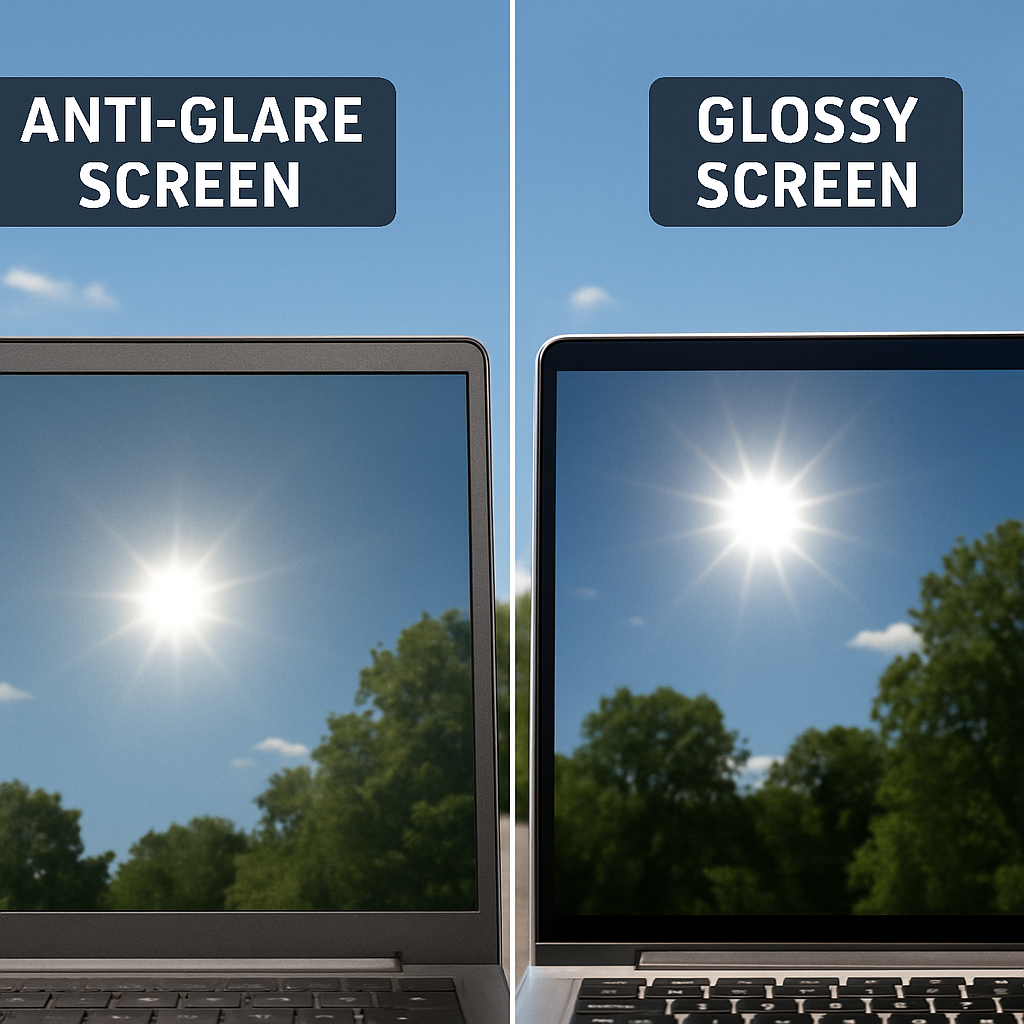
Brightness isn’t the only factor; reflections can be just as distracting as a dim screen. This is where anti-glare coating becomes essential for anyone working near a window or outdoors. Manufacturers use a matte finish to scatter incoming light rather than reflecting it back at you like a mirror. It turns harsh glare into a soft, diffused glow, meaning you won’t have to stare at your own silhouette when you’re trying to edit a document.
The One-Cable Dream: Mastering HDMI and USB-C Connections
Nothing kills the vibe of a mobile workspace faster than needing three different cables just to turn a screen on. This is where modern HDMI and USB-C plug-and-play connectivity shines, specifically via USB-C Power Delivery (PD). If your laptop is recent, a single cable can transmit the video signal and power the monitor simultaneously. This setup eliminates the search for a wall outlet, letting you work directly from your laptop’s battery while sitting on a park bench or in an airplane seat.
However, physically fitting the plug doesn’t guarantee it will work, so perform this quick audit before buying:
- Scan for symbols: Look for a lightning bolt or a “D” (DisplayPort) icon next to your laptop’s USB-C port; plain data ports often won’t carry video.
- Check HDMI size: Many portable screens use “Mini-HDMI” to save space, which requires a specific cable distinct from the standard one on your TV.
- Assess power needs: If using HDMI, remember that it only carries video, so you will absolutely need a second cable connected to a power source.
For those worried about a second screen draining their laptop too quickly, look for integrated battery-powered display panels. These self-sufficient monitors hold their own charge, keeping your computer running longer. While wireless casting might seem even cleaner, a wired connection is still superior for fixing signal latency in wireless monitors, ensuring your mouse cursor doesn’t lag behind your hand movements. Once you have your connection sorted, the only remaining hurdle is ensuring the screen physically fits your lifestyle.
Fitting a 15-Inch Display in Your Messenger Bag
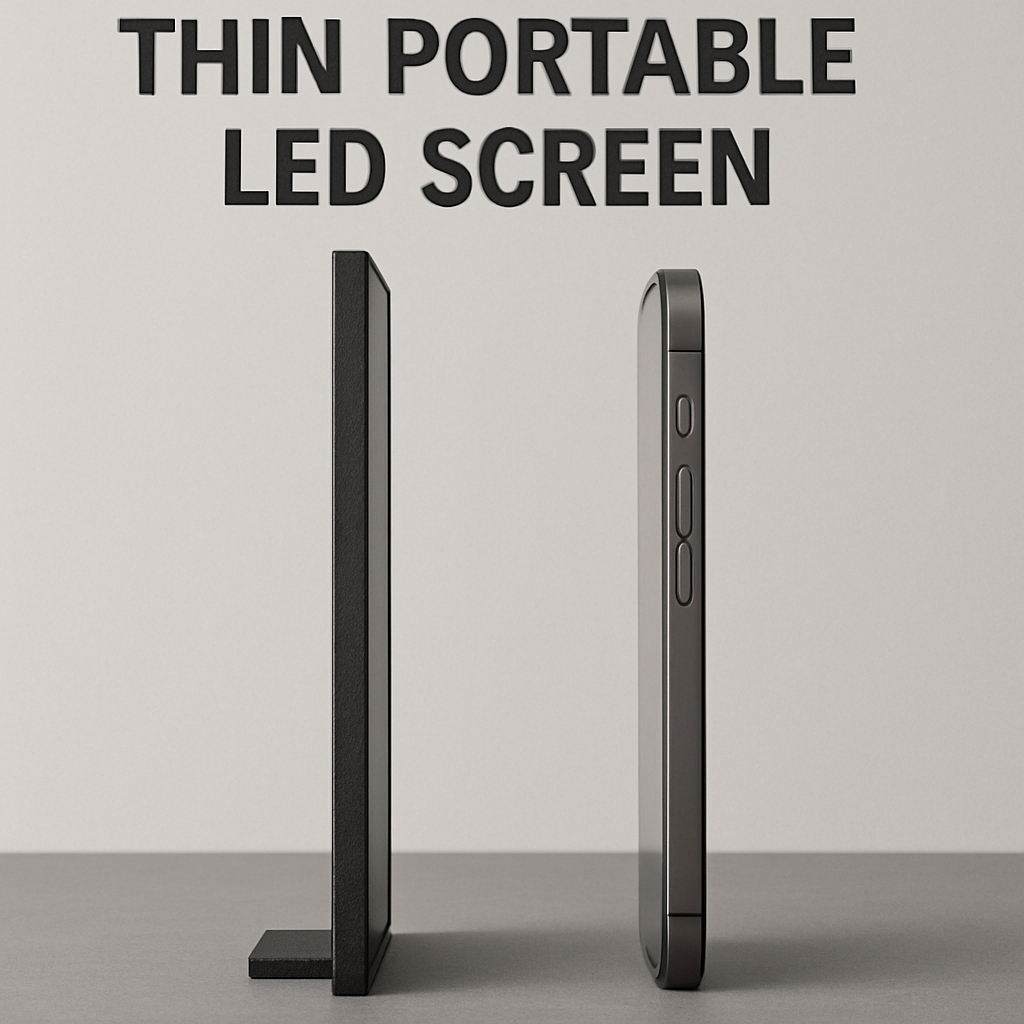
Now that your connection strategy is sorted, the physical reality of carrying a second screen sets in. You shouldn’t have to sacrifice your back health for screen real estate. Modern engineering has pushed ultra-thin lightweight frames for easy mounting and transport to the point where a 15-inch portable monitor often weighs less than a hardcover book. When shopping, look for a weight that feels balanced—ideally under 1.5 pounds for a standard display—ensuring it slides into your laptop sleeve without making your bag feel like a sack of bricks.
Durability matters just as much as weight when you are constantly on the move. Many consumer models borrow design cues from commercial lightweight foldable digital signage solutions, utilizing rigid smart covers that double as adjustable stands. These magnetic folio cases protect the fragile glass front while in transit and then fold back to prop the monitor up at the coffee shop, eliminating the need to carry a separate heavy plastic stand.
Even with a good cover, proper packing is the secret to longevity. Understanding how to transport large format electronic displays safely means avoiding pressure points; always pack the screen with the glass facing toward the flat back of your laptop, never against your keys or charger plug. Once you know your screen is safe and light enough to carry everywhere, the final step is ensuring the picture quality is actually worth looking at.
Pixel Pitch and Nits: How to Pick the Sharpest Screen for Your Desk
If you lean in to read fine print on a spreadsheet and the text looks blocky or jagged, you are seeing the limits of pixel pitch. This specification measures the physical distance between the tiny individual lights that make up your image; a smaller number means the dots are packed tighter together, creating a smoother, more realistic picture. When determining what is the best pixel pitch for close viewing, remember that your portable monitor sits much closer to your eyes than a living room TV. For a crisp image at arm’s length, aim for a pitch under 0.3mm to ensure the individual pixels remain invisible.
Beyond just the density of the image, the way those pixels are attached determines how tough your screen is. While older screens rely on delicate soldered components, the industry is shifting toward a comparison of COB vs SMD packaging technology to improve lifespan. COB (Chip on Board) encapsulates the LED chips directly into the circuit board with a smooth protective resin. This design acts like a shield against the moisture and dust inherent in travel, while simultaneously offering a wider viewing angle than traditional SMD (Surface Mounted Device) panels.
Sharpness and durability are wasted, however, if your reds look orange or your blacks look grey. Most monitors include a built-in calibration guide for color accuracy on mobile displays, and taking five minutes to run this ensures your portable screen matches your main laptop perfectly. Use this quick reference to match the screen’s density to your specific workflow:
- General Office Work: 0.25mm – 0.30mm (Standard 1080p)
- Gaming & Movies: 0.20mm – 0.23mm (QHD/2K)
- Photo Editing: Under 0.18mm (4K/UHD)
With the right hardware specs identified, you are ready to physically configure your workspace.
Setting Up Your Mobile Video Wall in 5 Minutes or Less
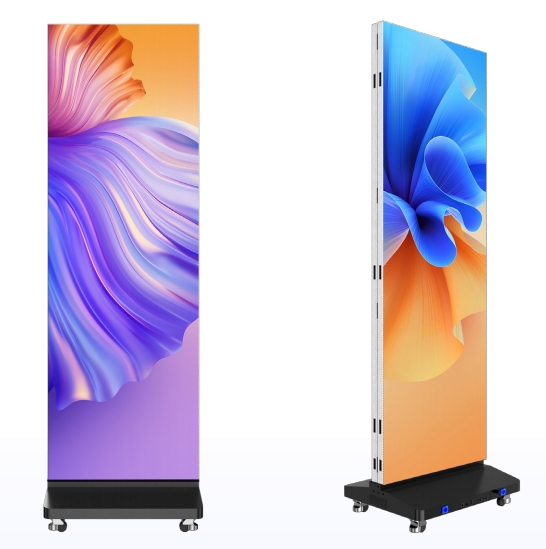
Transforming a generic booth or backyard party into an immersive experience often relies on modularity. Unlike a massive TV that requires a moving van to transport, modern modular panels snap together like magnetic building blocks, allowing you to customize a display as wide or tall as the venue permits. This flexibility makes lightweight foldable digital signage solutions incredibly practical; you can carry a 100-inch display in two compact flight cases and assemble it in minutes without requiring a degree in engineering.
Once your structure is standing, the environment becomes your next challenge, especially if you are setting up outside. Electronics usually hate moisture, but screens designed for exterior use carry a specific IP65 waterproof rating for outdoor use. This code means the screen is sealed tight against dust and can handle water jets from any angle. While you cannot submerge the panel in a pool, it will easily survive a sudden rain shower while you finish your presentation.
Finally, nothing ruins a professional visual display faster than video that lags behind the audio. When learning how to set up mobile video walls, always prefer a wired HDMI or SDI connection over Wi-Fi to eliminate that delay. Before your event goes live, run through this rapid safety check:
- Verify IP Rating: Ensure stickers read IP65 or higher for open-air usage.
- Seal Connections: Use rubber gaskets or electrical tape on all cable linking points.
- Latency Test: Clap your hands on camera; if the screen shows it late, switch to a wired signal.
- Wind Security: Weight down the base stand if wind speeds exceed 15 mph.
Now that you understand the logistics of deployment, the only remaining question is financial.
To Rent or to Buy? Deciding the Best Value for Your Needs
For most organizers, the choice comes down to simple calendar math. If you deploy a display fewer than four times a year, the rental cost vs purchasing modular screen panels favors renting. Hardware depreciates like a car, so ownership often means paying for technology that gathers dust. Conversely, businesses running weekly trade shows will find rental fees eclipse the purchase price within months.
Beyond the sticker price, ownership involves logistical burdens that catch buyers off guard. LED panels are durable, but individual diodes can fail during transit, requiring technical skills to fix. You also need climate-controlled storage, as humidity can corrode internal components while the equipment is inactive. When you rent, the provider handles this maintenance, ensuring every module arrives calibrated and fully functional.
Leasing also grants the flexibility to adapt your digital signage to different venues. One event might require a massive outdoor billboard while the next needs a curved indoor presentation; renting offers access to specialized inventory that is too expensive to own. Whether you invest or rent, the hardware is only as good as your strategy.
Your Three-Step Plan to Choosing the Perfect Portable Screen
You are no longer confined to a single, cramped laptop window. Adding a secondary display reclaims the hours you previously lost to endless tab-switching, granting you the freedom to work or play comfortably anywhere. While organizing a massive viewing area involves complex choices like large-scale commercial displays, your personal upgrade is far simpler: plug-and-play power that slides right into your backpack.
Start your upgrade by confirming your laptop’s USB-C ports support video to ensure a seamless one-cable connection. Prioritize a lightweight model with enough brightness to combat glare, rather than chasing unnecessary technical specs that don’t improve your daily use. By selecting portable LED screens that match your actual routine, you invest in a smoother, more efficient digital life. The bottom line is that the right screen gives you desktop-class productivity without the desk.
Founded in 2008, ScreenSculpt is a premier Chinese digital signage factory specializing in commercial display products and solutions. Contact us: +86 137 235 4264