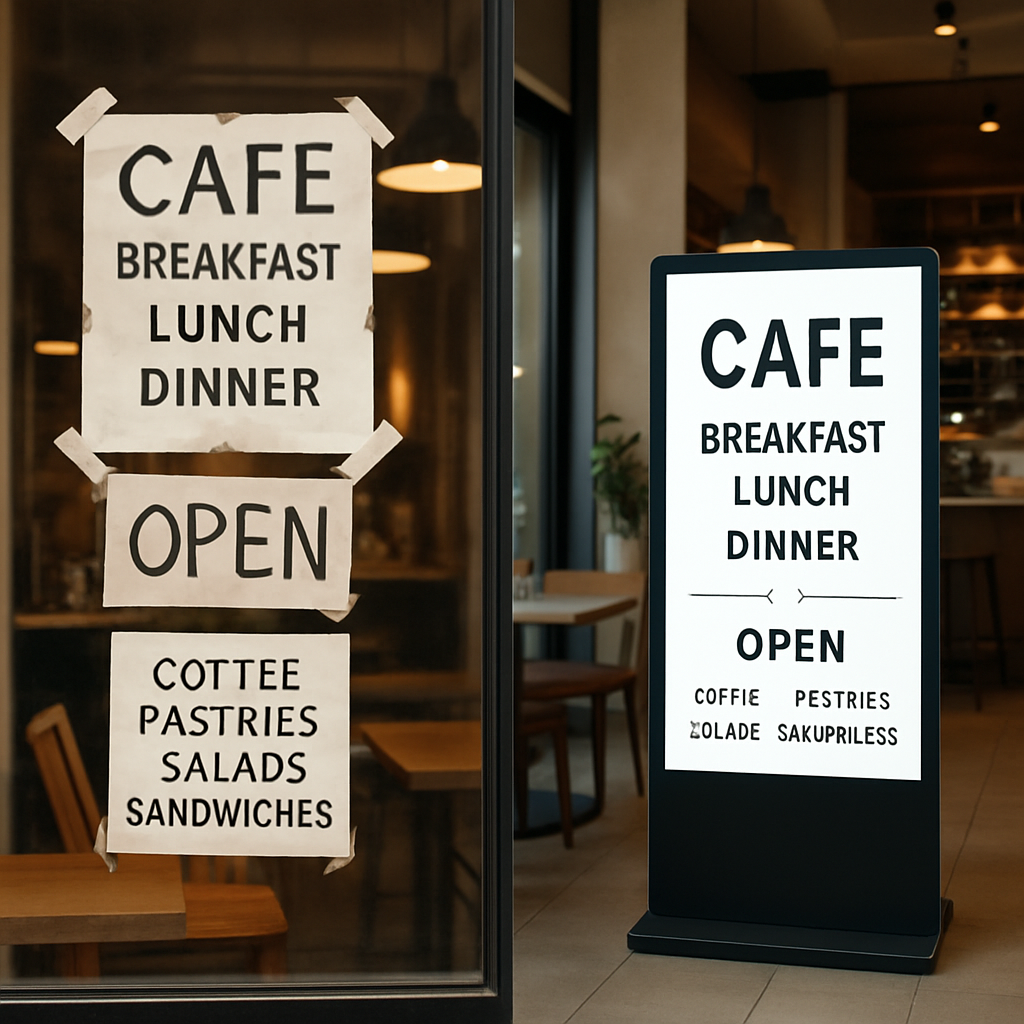
You’ve likely seen them in local coffee shops or waiting rooms: bright, sleek screens showing menus without a mess of wires. This is standalone digital signage, and it functions much like a digital island. It holds all its content inside the screen, acting as a dynamic poster that changes with a simple USB update rather than tape and staples.
Why make the switch from paper? Industry studies indicate that moving images on a digital banner display catch 400% more views than static print signs. Moving to this technology removes the frustration of constant reprinting, offering a commercial-grade solution that looks professional without requiring monthly fees or complex internet setups.
The All-in-One Secret: Why Your Living Room TV Isn’t a Real Sign
Putting a standard television in your shop window might seem like a cost-effective fix, but consumer electronics aren’t built for the marathon of business hours. While a home set needs rest after an evening movie, commercial grade non-networked displays are engineered to run for 16 or even 24 hours a day. They utilize heavy-duty cooling systems and robust components designed to prevent the screen from darkening or burning out just when your foot traffic peaks.
Visibility is another critical factor, measured in a unit of brightness called “nits.” A typical living room TV produces about 250 to 300 nits, which looks great with the curtains drawn but fades away under harsh fluorescent lights or sunlight. Professional screens generally start at 500 to 700 nits, ensuring your digital menu or welcome message cuts through the glare and remains readable from the sidewalk.
The most convenient feature of modern all-in-one digital display solutions is hidden inside the casing. Instead of requiring a separate media player box and messy cables, these units feature a “System on a Chip” (SoC). Think of this as a built-in computer that runs your content automatically, making the system on a chip for commercial monitors a tidy, wire-free choice.
- Runtime: Home TVs are rated for ~6 hours daily; Commercial screens handle 16/7 or 24/7 use.
- Brightness: Home TVs average 300 nits; Commercial displays offer 700+ nits for daylight visibility.
- Hardware: Home TVs need external players; Commercial units have integrated SoC processors.
With the hardware ready, the next step is getting your images onto the screen using nothing more than a simple USB drive.
Plug, Play, and Walk Away: Updating Content Without an Internet Connection
Managing your screen is as simple as moving a file on your computer. You create images on a laptop, save them to a flash drive, and insert it into the plug and play media player for monitors. The display’s internal brain copies the files and immediately begins the show. This USB-based content updates for electronic signs method eliminates the need for expensive subscriptions or complicated wiring, acting as the digital equivalent of tacking a new poster up on the wall.

Reliability is the hidden superpower of an offline system. Because these units operate as “islands” unconnected to the web, they are immune to spotty WiFi or outages that often leave networked screens blank. This offline content management for advertising screens approach also acts as a natural security barrier; hackers can’t breach a screen that isn’t connected to the outside world. For business owners asking how to set up digital screens without internet, this isolation guarantees your message stays visible regardless of router issues.
Once the content is loaded, the technology works for you by automatically looping your media the moment the power turns on. You can configure the screen to play a promotional video followed by a static price list endlessly, ensuring every customer sees your key messages. This “set it and forget it” reliability frees you to focus on other business needs, like deciding exactly where to place your new asset.
From Sidewalks to Lobbies: Choosing Between Freestanding and Portable Displays
Permanent placement demands a presence that commands attention. A freestanding digital display acts as a digital anchor for your space, typically standing 43″ to 55″ tall. These units are designed to look like permanent furniture, making them ideal for consistent high-traffic zones like hotel lobbies or mall corridors where you need a sleek, professional aesthetic that stays put.
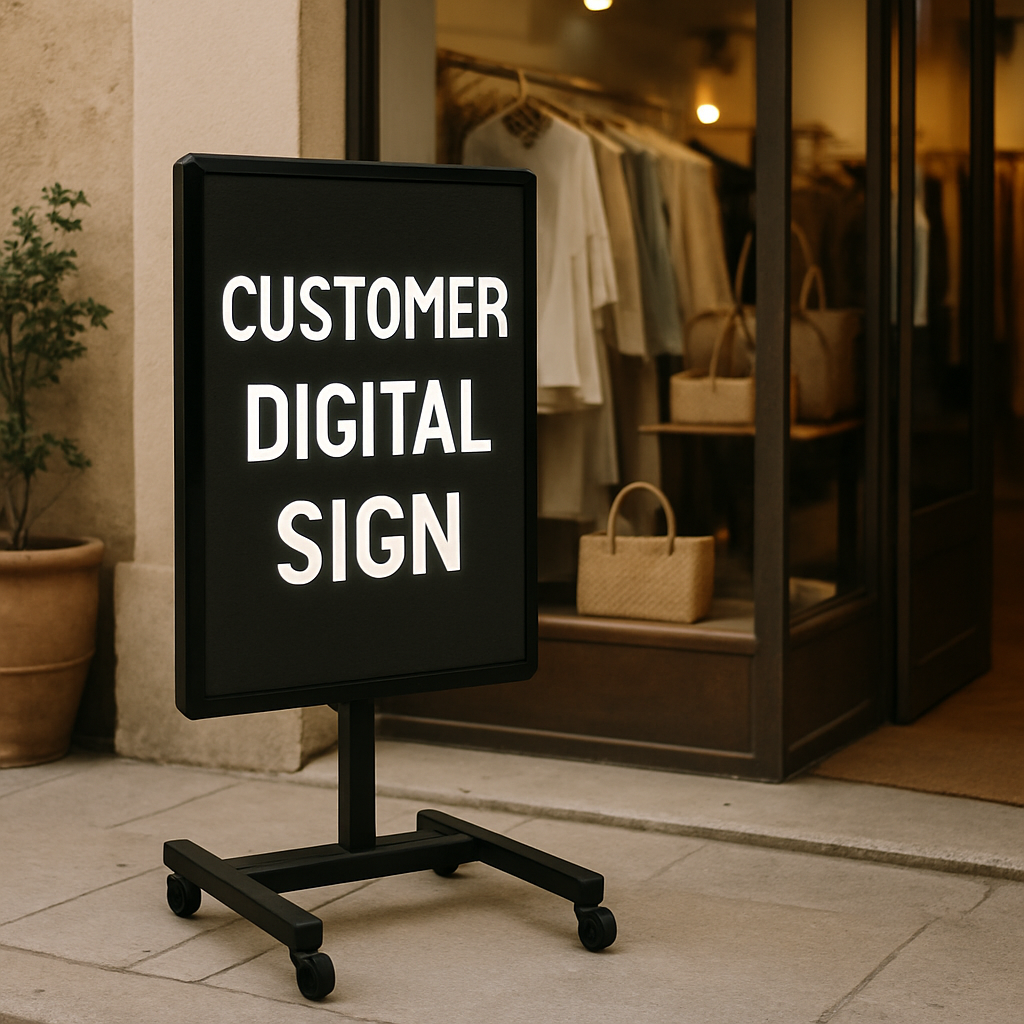
Flexibility often trumps permanence for dynamic businesses. Rolling portable digital signs allow you to wheel your message directly into the customer’s path, whether that’s a sidewalk A-frame or a mobile lobby greeter. Because these often face direct sunlight or glass doors, choosing high-brightness screens ensures your portable floor standing digital posters remain readable. Models with built-in batteries eliminate trip hazards, making them perfect for:
- Pop-up shops needing quick setup and teardown.
- Restaurants moving menus from outdoor brunch patios to indoor dinner foyers.
- Trade shows requiring a portable signage display without renting expensive power drops.
Selecting the right hardware depends on your daily routine rather than just specifications. If you need to chase foot traffic or bring signs indoors nightly, a mobile unit offers necessary versatility; otherwise, a static kiosk provides a polished, hands-off solution. Once you’ve settled on the physical shape, the final step is ensuring your investment pays off by strictly controlling ongoing costs.
Cutting the Cord on Monthly Fees: The Business Case for Offline Displays
Subscription fatigue is a real burden for modern owners, but your visual marketing doesn’t have to add to the pile. Cost-effective digital signage for small business strategy often points to “offline” or standalone models which function like a standard appliance: you buy it once, and it works indefinitely without asking for a credit card every month. By eliminating the typical $20 to $50 monthly software fee per screen found in networked solutions, a single standalone unit can save you over $600 in just two years—capital that is better reinvested into your inventory or staff.
Reliability improves alongside your bottom line because these screens remove the most common point of failure: the internet connection. Self-contained digital menu board systems store all their content on internal memory, meaning your pricing and daily specials stay visible even if your shop’s Wi-Fi goes down during the lunch rush. This “zero IT” approach allows you to focus on serving customers rather than troubleshooting router issues or managing complex cloud accounts.
While the benefits of autonomous digital messaging boards are undeniable for focused setups, manual updates do have a physical limit. If you eventually expand to managing more than five screens across different locations, the labor cost of walking a USB drive to each device may outweigh the software savings, signaling it is time to upgrade.
Your Roadmap to a Digital Upgrade: The 3-Step Action Plan for First-Time Buyers
Moving from static posters to dynamic screens no longer requires a complex IT department. You now have the insight to choose the best hardware for offline video loops, transforming your space into a professional, engaging environment. To ensure you select the right unit while maintaining local media storage on commercial screens, run through this quick audit before purchasing:
- Assess the light: Ensure screen brightness matches the locati0n (standard for interior walls, high-brightness for window-facing spots).
- Define mobility: Decide if you need a permanent wall mount or a portable signage display to move between high-traffic areas.
- Verify formats: Confirm the built-in player supports standard MP4 and JPG files for frustration-free updates.
Are you ready to finally stop taping paper to your windows? Standalone digital signage offers the most accessible path to modern communication—delivering a sleek look without hidden subscription costs. Simply create your content in Canva, save it to a USB, and let your new display do the talking.
Contact us to customized your Standalone Digital Signage, Ada: +86 137 2375 4264